iPad app 1.0 02 08 2012
Posted by Denis Slabakov on August 3, 2012
Sudhir,
Localization is done.
bugs
- camera does not shot
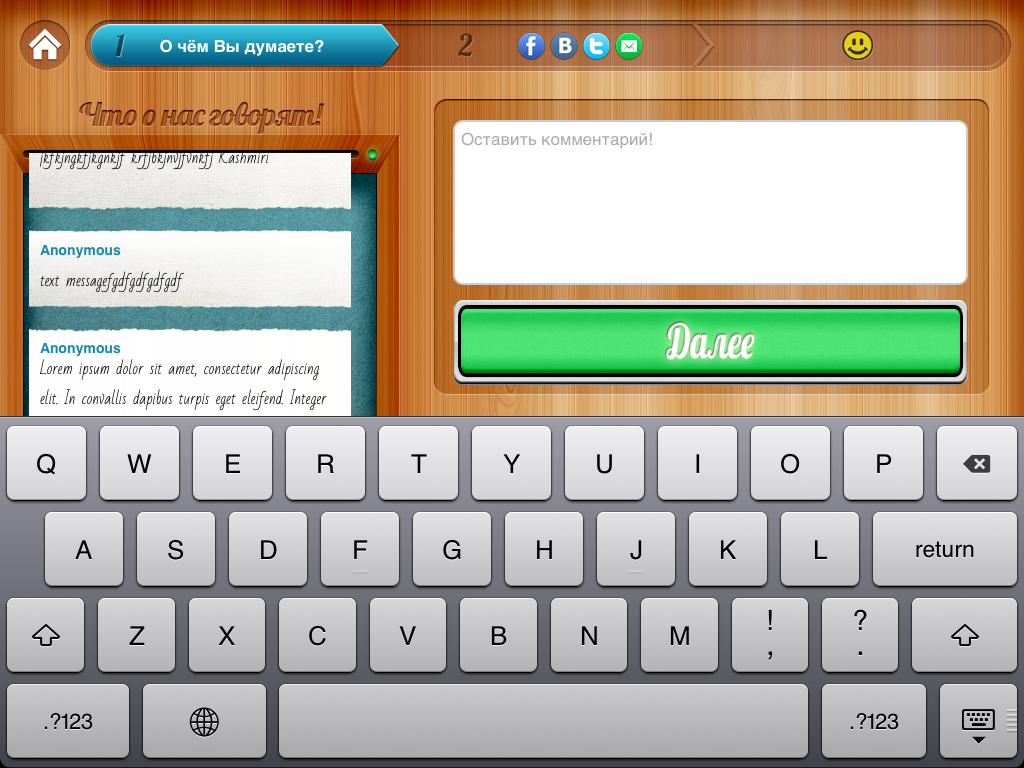
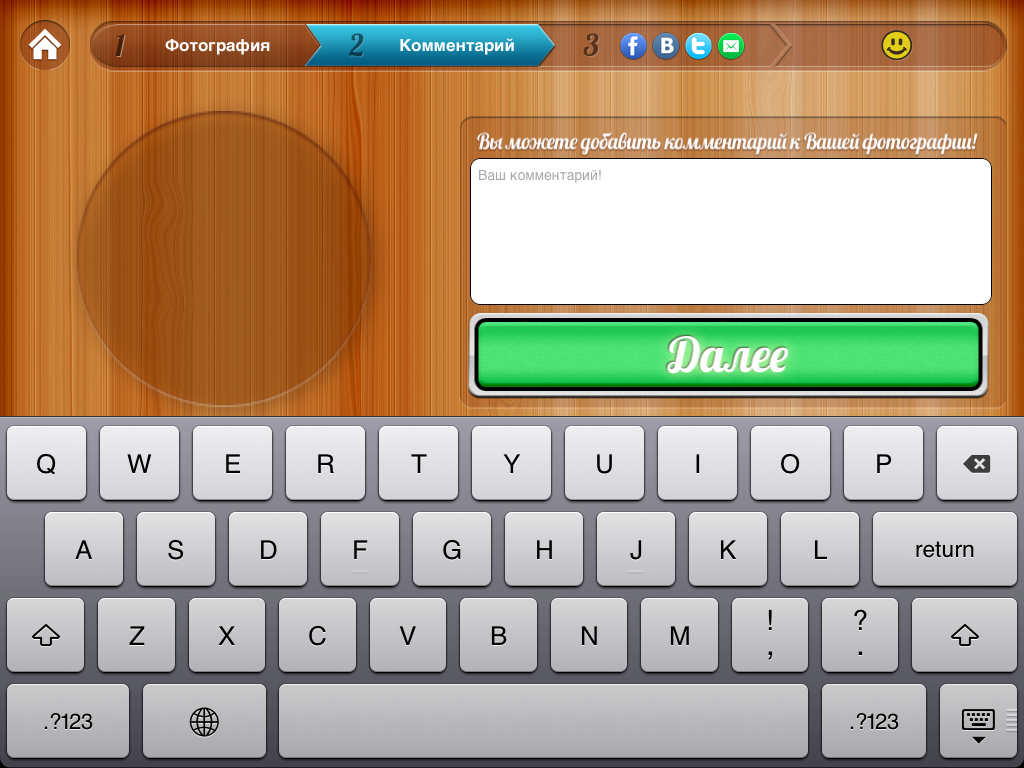
- please compare enclosed images, green button is correct (font) at IMG_0127, please change 0126 (it is textmessage comment input in landscape)
- all keyboards should be in cyrillic by default
next items to work on
- phone number input screens, when user inputs 3rd and 6th digit of the number, cursor should move to the start of next position, to indicate correct placement for next digit. it is because after 3rd and 6th position there us dash and bracket in phone number format
- logo on splash screen and frame of the photo should be associated with login (venue) and be uploaded from the server
Localization is done.
bugs
- camera does not shot
- please compare enclosed images, green button is correct (font) at IMG_0127, please change 0126 (it is textmessage comment input in landscape)
- all keyboards should be in cyrillic by default
next items to work on
- phone number input screens, when user inputs 3rd and 6th digit of the number, cursor should move to the start of next position, to indicate correct placement for next digit. it is because after 3rd and 6th position there us dash and bracket in phone number format
- logo on splash screen and frame of the photo should be associated with login (venue) and be uploaded from the server
Comments
Denis Slabakov on August 3, 2012:
- on any screen, except for splash, if there is no user input for given number of seconds (should be set by venue admin, limit for this value should be set - 30sec min, 300 sec max, default value 60 sec)
- please check - photos upload to the server should run in separate execution thread, upload process should be FIFO
- please check - text messagees upload to the server should run in another separate thread, FIFO, as well
- if the user did not enter phone number, he/she can not proceed further, "submit" button is not active
users phone number management
- if user press "add phone" button respectively adding a number and main phone window is empty, number stored as "secondary" number, which has to be changed into different logic, number supplied shall be stored as primary number, and displayed on input screen
- if user add five numbers, there is no possibility to change numbers, "add phone" button becomes inactive, please fix it
- if user supplied more that one number, it should be displayed on input screen in provided order separated by comma, as many digits as space would allow, ending with triple dot if it does not fit to the screen
- user should observe all provided numbers in phone number edit screen, and be able not only to delete, but also to edit it. Currently, if user press "add phone" button he/she obser only secondary numbers and does not observe primary number and vise verse.
Denis
Sudhir Kelappan on August 3, 2012:
It may not be possible to have the Cyrillic keyborad by default, with English as the language setting on the device.
Though if the language settings of device is set to Russian the Cyrillic keyboard would be available as default.
If we need to have Cyrillic always we may need good amount of custom implementation.
We are checking this ... will get back to you on this.
We will be starting work on the next items but before that we will be doing some clean-up of the code e.g.:
Removing magic literals,
Removing commented out dead code,
Removing unused images(those used for english version)
Removing the log messages
Remove unwanted code
(eg:-code for adding labels for english version which are not in russian version)
Etc.
Regards,
-Sudhir
Denis Slabakov on August 3, 2012:
You are right, keyboard should be cyrillic if device is set to cyrillic, but currenty, my iPad is set to Russian, but keyboard opens as English
Kind regards,
Denis.
Sudhir Kelappan on August 3, 2012:
I changed language to Russian .. and on login page the keyboard is appearing in Russian.
Will double check .. if there is anything done in code ... could be a bug.
We had uploaded another build in testflightapp ... if you happen to notice this issue in that also pls. do let us know.
Regards,
-Sudhir
Denis Slabakov on August 3, 2012:
In previous version (done by another developer) russian keyboard was default.
Denis.
Denis Slabakov on August 3, 2012:
- if user try to delete last photo at photoselect screen, nothing happens,
I would like to change it into different behavior - if user deletes last photo, he/she is directed to splash screen.
Sudhir Kelappan on August 8, 2012:
We are done with basic code clean-up and have started on next items.
1. Regarding Cyrillic Keyboard Issue: For us to check it further pls. let know the details of the device that was used for testing (iOS version, iPad Version, Number of Keyboards configured etc.)
2. Some queries on next items to work on:
"- phone number input screens, when user inputs 3rd and 6th digit of the number,
cursor should move to ...."
The PSDs show "8" or "7" as the prefixes. Do we need to maintain this prefix ?
If yes then which one should be used ("8" or "7" ) ?
"- on any screen, except for splash, if there is no user input for given number of
seconds (should be set by venue admin, limit for this value should be set - 30sec
min, 300 sec max, default value 60 sec)"
Pls. specify what should happen after the time interval. Should the screen be
locked ?
Should there be a new screen for the venue admin for setting the time
interval ?
Regards,
-Sudhir
Denis Slabakov on August 8, 2012:
Good news!
1 Cyrillic Keyboard Issue
iOS 5.1
iPad MC775ZP
Three keyboards are configured - English, Russian and Emodsy
2
Please use "7" as prefix
I forgot to type the end of the message)
- on any screen, except for splash, if there is no user input for given number of seconds (should be set by venue admin, limit for this value should be set - 30sec min, 300 sec max, default value 60 sec), application should go to splash screen
The application should never go to sleep!
Let leave this value at 60 sec, I mean there will be no admin screen for the moment. We will add this functionality in next versions.
Denis.
Sudhir Kelappan on August 10, 2012:
Thanks for the device information and other clarifications
We noticed the english keyboard only at one place in the App that is in the login screen. When we select the password field the english keyboard comes-up. This is because it is setup as a secure. (Screenshot attached).
Request you to pls. check if this is the case at your end. If it is so then we can change this behaviour easily. Also if you could attach a screen-shot of the issue it would help us.
For rest of the screens we did check the source code and couldn't find any hard settings for the keyboard. So ideally the App should have followed the device settings (with the exception mentioned above).
To help us explore the issue further would it be possible for you to give some more information:
1. With the language setting as Russian how does the keyboard in other Apps
behave ?
(e.g. I checked the "App Store" app and it behaved as expected by bringing up the Russian keyboard).
2. Apart from the 3 keyboards could you pls. check the " keyboard layout" setting ?
This is because i noticed that the keyboard layout setting could be changed
independent of the language.
Also pls. check any other language related setting that is already
present in the device. Probably not set by you explicitly but maybe factory set.
Hope to solve this soon.
Sudhir Kelappan on August 10, 2012:
Information on thread and FIFO for text message and photo message upload.
<quote>
- please check - photos upload to the server should run in separate execution thread, upload process should be FIFO
- please check - text messagees upload to the server should run in another separate thread, FIFO, as well
</quote>
We verified and found the following:
1. The upload process is Asynchronus and it is working fine.
2. The FIFO is not enforced in code. But generally the behaviour is FIFO
Introducing a separate execution thread may probably add complexity. But we can think of enforcing the FIFO by doing sequential uploads.
Pls. advise how you want this to be done.
Regards,
-Sudhir
Denis Slabakov on August 10, 2012:
It is kind of miracle - but keyboard issue is gone! ))) I do not understand, but it is gone.
Please explain in more details how the process of photo and text upload is done.
Specifically, what would happen if there will be more that one session of photos taken, and there will be a queue.
What would happen if there will be a temporary loss of internet connection?
Denis